Industry
Saas & Work management
Company
Asana
My Role
Designer

Asana is a leading work management platform used by teams to organize, track, and manage projects.
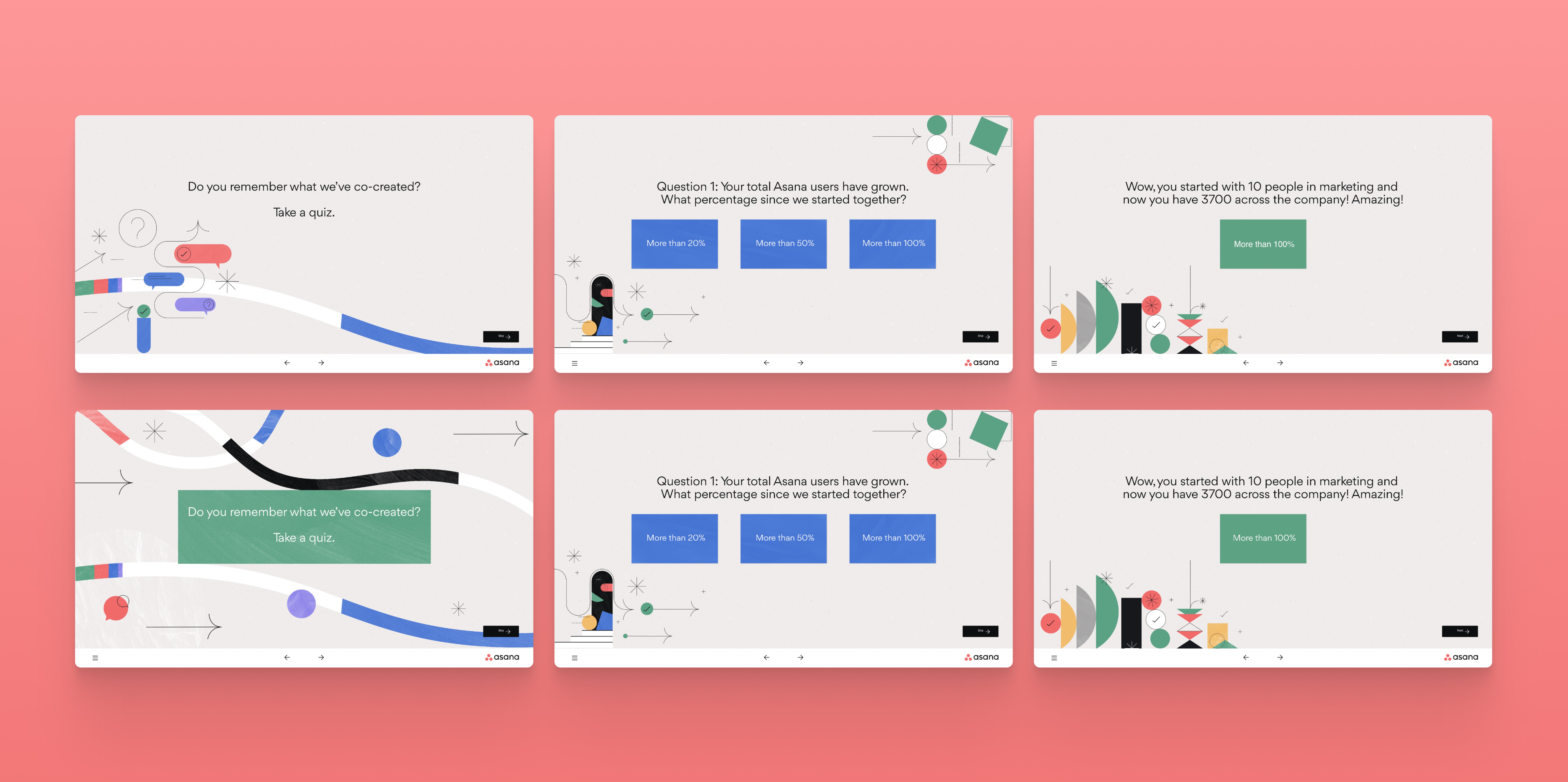
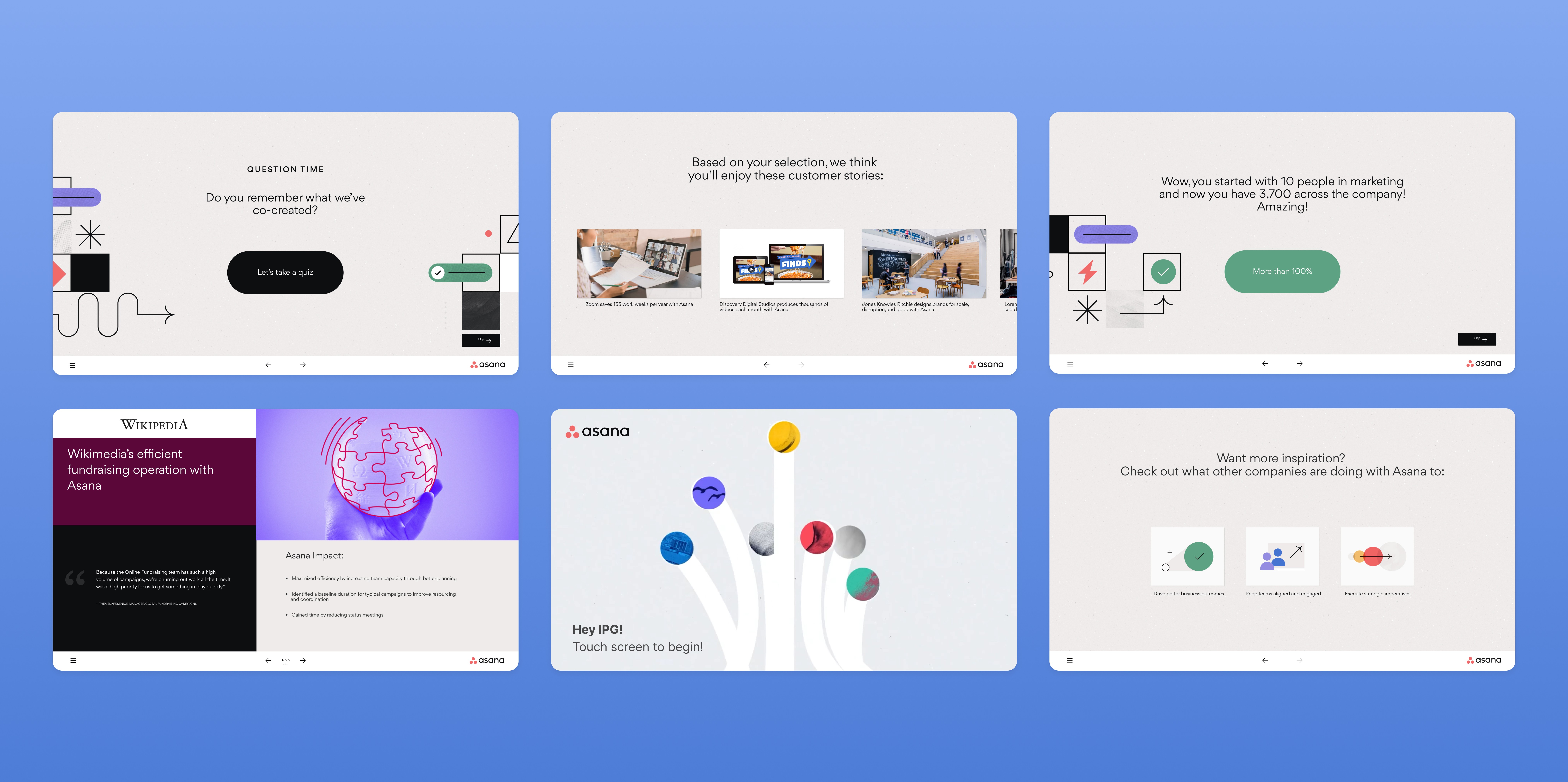
For this project, I designed a touch-screen application tailored for Asana employees to improve internal workflows, increase visibility, and simplify task management in a physical workspace environment.
I led the UI and interaction design, from research to high-fidelity prototypes, and worked closely with developers to ensure pixel-perfect implementation.
I conducted internal research including:
Stakeholder interviews
Workflow observation sessions
Heuristic evaluations of current task flows
Usability review of desktop-to-touch adaptation challenges
Key findings:
Users needed clarity over complexity
Important actions had to be reachable within 1–2 taps
Visual hierarchy mattered more in touch than desktop
Feedback states (hover → replaced by tap feedback) required redesign
This shaped my direction: simplify, prioritize, and optimize for physical interaction.
Figma (expert level) for:
Design system creation
Auto layout & scalable components
Interactive prototypes
Design tokens for consistency
Prototype testing sessions with stakeholders
Continuous developer collaboration
Because touch UI requires precision, spacing, and interaction clarity, every component was built systematically and reusable.